App info
VLC for Android is the best open source video and music player, fast and easy!
Screenshots








About this app
VLC for Android is the best open source video and music player, fast and easy!
Overview
VLC for Android by Videolabs is a powerful and versatile open-source media player designed to handle all your video and music playback needs with ease. Supporting nearly every audio and video format, VLC delivers a seamless, fast, and user-friendly experience without any ads or in-app purchases. Whether you want to watch your favorite movies, stream content, or listen to music on the go, VLC offers robust customization options and smooth performance. Its intuitive interface and extensive codec support make it the perfect choice for Android users seeking a reliable and lightweight media player that respects privacy and offers consistent updates.
Key features
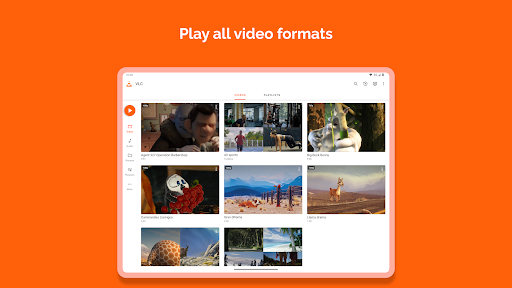
- Supports a wide range of audio and video formats including MKV, MP4, AVI, MOV, Ogg, FLAC, and more
- Play videos in HD and 4K resolution with hardware acceleration for smooth playback
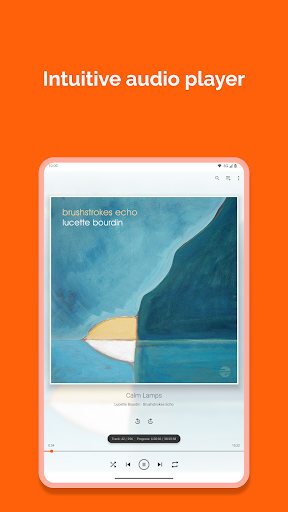
- Built-in equalizer and audio filters for enhanced sound customization
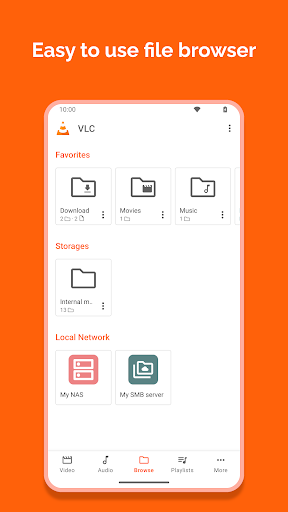
- Network streaming capabilities including support for network shares (SMB, FTP, NFS)
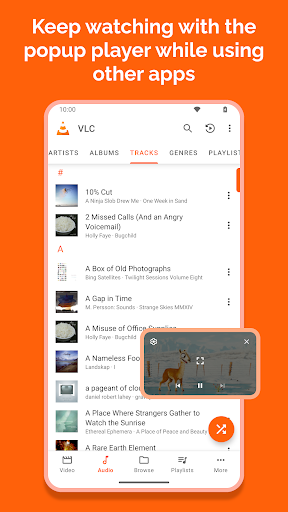
- Subtitle synchronization, multi-track audio, and gesture controls for an immersive experience
- No ads, no tracking, fully open-source with regular updates and improvements