
App info
Remove and swap backgrounds in your photos and remove unwanted objects
Screenshots





About this app
Remove and swap backgrounds in your photos and remove unwanted objects
Overview
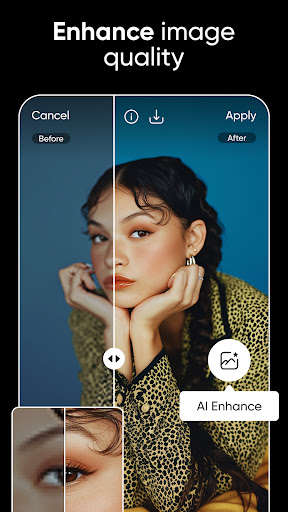
Picsart AI Photo Editor, Video is a powerful and intuitive app designed to elevate your photography and video editing experience. Developed by PicsArt, Inc., this app leverages advanced AI technology to effortlessly remove and swap backgrounds, allowing you to create stunning visuals without the need for complex tools. Whether you want to eliminate unwanted objects or replace your photo backgrounds with creative scenes, Picsart AI Photo Editor makes it simple and fast. Perfect for both casual users and content creators, this app transforms ordinary photos and videos into professional-quality masterpieces, all from your Android device.
Key features
- AI-powered background removal and swapping for photos
- Object removal tool to erase unwanted elements seamlessly
- High-quality video editing with background customization
- Intuitive interface designed for quick and easy edits
- Support for multiple image and video formats
- Creative templates and effects to enhance your media