
App info
A browser that does more than load page, like keeping your privacy safe.
Screenshots





About this app
A browser that does more than load page, like keeping your privacy safe.
Overview
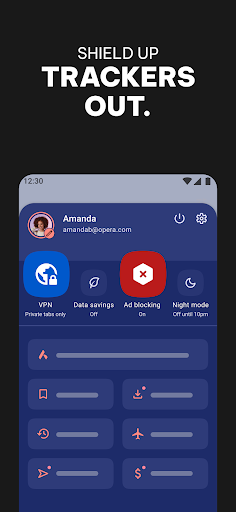
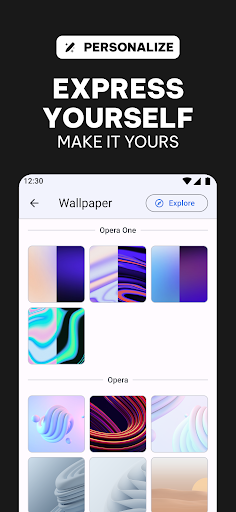
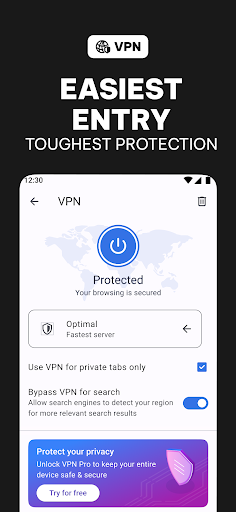
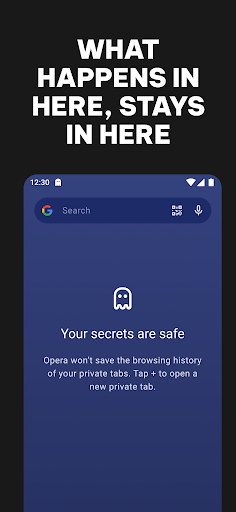
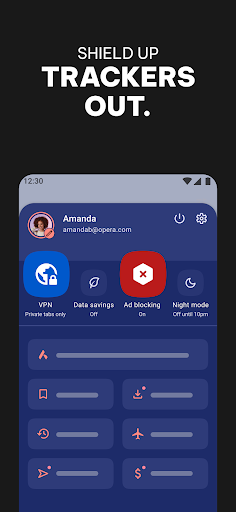
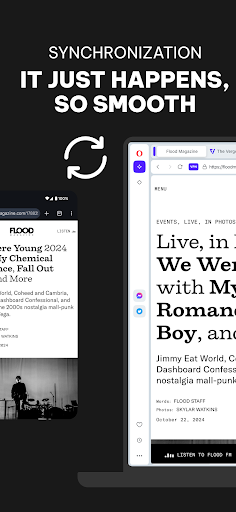
Opera: Private Web Browser is a secure and fast Android browser designed to protect your online privacy while delivering a seamless browsing experience. Developed by Opera, this app goes beyond just loading web pages—it shields your data, blocks trackers, and encrypts your traffic to keep your personal information safe from prying eyes. With features like built-in VPN, ad blocker, and private browsing mode, Opera ensures you surf the internet without compromising your security. Its intuitive interface and customizable options make it easy to navigate, whether you’re shopping, streaming, or chatting. Perfect for users who value privacy and efficiency, Opera offers a reliable communication tool that keeps you connected and protected on the go.
Key features
- Built-in VPN for enhanced online privacy and security
- Ad blocker to remove intrusive ads and speed up browsing
- Private browsing mode that doesn’t save history or cookies
- Tracker blocker to prevent websites from monitoring your activity
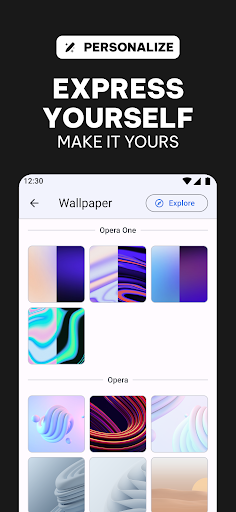
- Customizable start page with news and shortcuts
- Fast page loading with data-saving technology