
App info
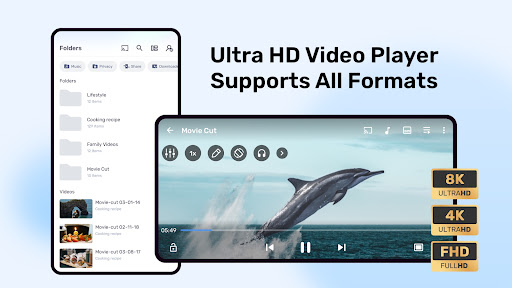
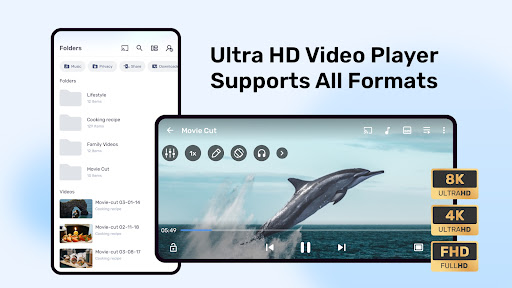
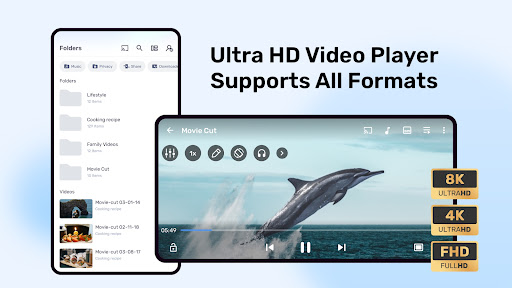
Powerful video player with advanced hardware acceleration and subtitle supports
Screenshots

About this app
Powerful video player with advanced hardware acceleration and subtitle supports
Overview
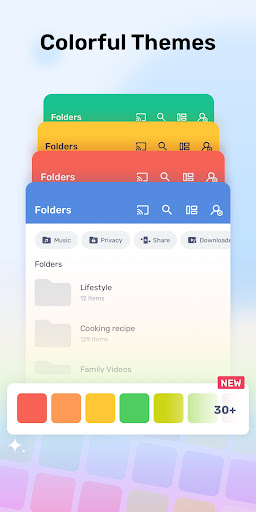
MX Player by Amazon Mobile LLC is a robust video player designed to elevate your media viewing experience on Android devices. Equipped with advanced hardware acceleration, it ensures smooth playback even for high-definition videos. MX Player supports a wide range of subtitle formats, making it perfect for international content lovers. Its intuitive interface allows seamless navigation and easy control over playback settings. Whether you’re watching movies, TV shows, or personal videos, MX Player offers customizable options like gesture controls and subtitle synchronization. Trusted by millions, this app combines powerful performance with user-friendly features, making it an essential tool for any video enthusiast seeking high-quality playback and enhanced viewing convenience on their Android device.
Key features
- Advanced hardware acceleration for smooth video playback
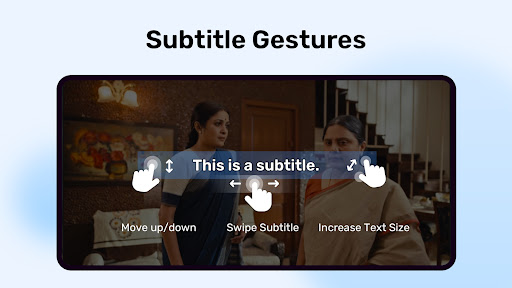
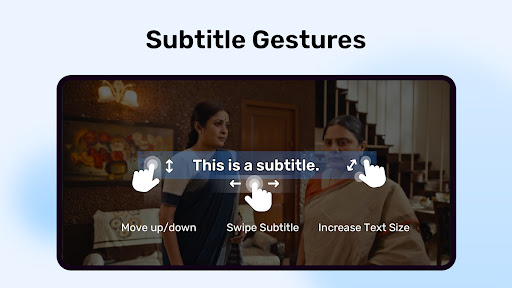
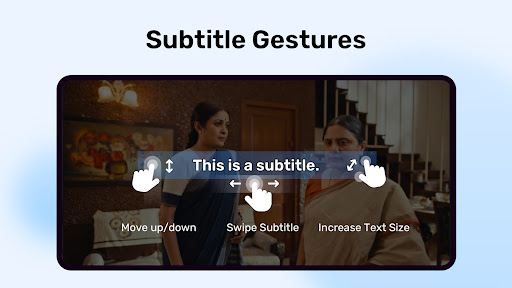
- Supports multiple subtitle formats including SRT, SUB, and SSA
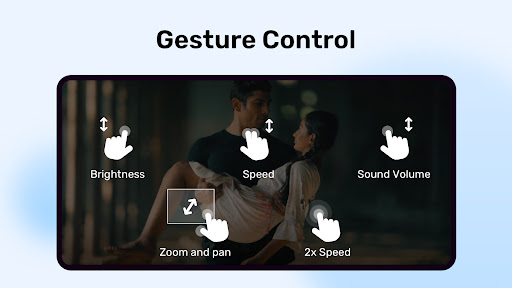
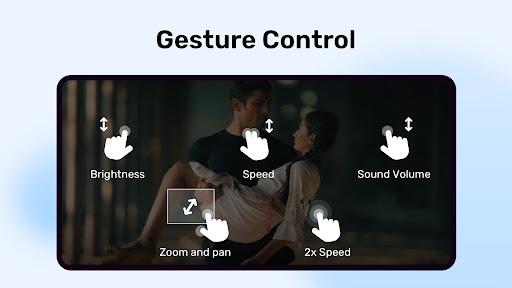
- Gesture controls for volume, brightness, and seeking
- Pinch to zoom and pan videos during playback
- Multi-core decoding for faster and efficient video processing
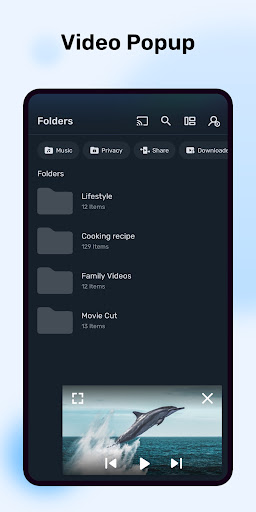
- Background play and pop-up window mode for multitasking