
App info
The perfect AI photo editor for portraits, travel photography, and food photos.
Screenshots







About this app
The perfect AI photo editor for portraits, travel photography, and food photos.
Overview
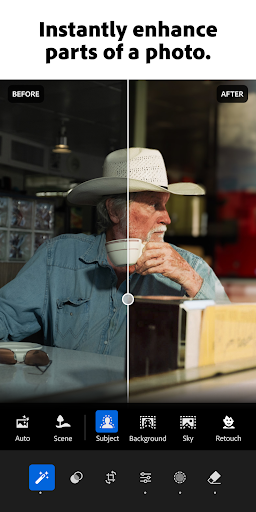
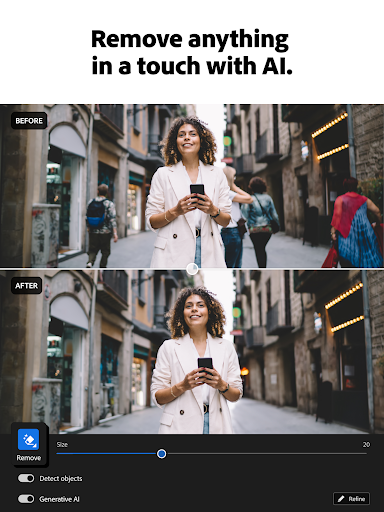
Lightroom Photo & Video Editor by Adobe is the ultimate AI-powered app designed to elevate your photography and videography. Whether you're capturing stunning portraits, vibrant travel scenes, or mouthwatering food shots, Lightroom offers intuitive tools and advanced editing capabilities to bring your creative vision to life. Its smart AI features help enhance details, adjust lighting, and apply professional-grade filters effortlessly. Perfect for both beginners and seasoned photographers, this app transforms ordinary images into captivating masterpieces right from your Android device. Experience seamless editing with a user-friendly interface and powerful cloud syncing that keeps your projects accessible across devices. Lightroom is your go-to solution for producing polished photos and videos that stand out on social media and beyond.
Key features
- AI-powered auto-enhance for quick, professional edits
- Advanced portrait editing tools including skin smoothing and eye enhancement
- Customizable presets and filters tailored for travel and food photography
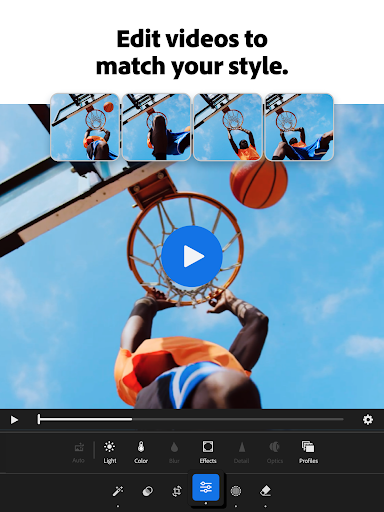
- Video editing capabilities with color grading and adjustment controls
- RAW image support for high-quality editing and detail preservation
- Cloud synchronization to access and edit photos across multiple devices