Home Apps LastPass Password Manager

LastPass Password Manager

Tools LastPass US LP 3.6

App info

Developer
LastPass US LP
Platform
Android
Category
Tools
Rating
★ 3.6
Downloads
10,000,000+
Updated
Feb 19, 2026
Size
Varies with device
Version
6.46.0.21457
Package
com.lastpass.lpandroid
Tools

The Last Password you will ever need.

Screenshots
About this app

The Last Password you will ever need.

Overview

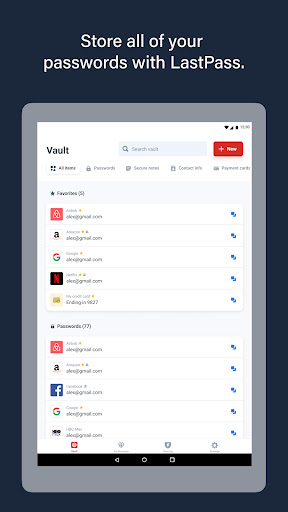
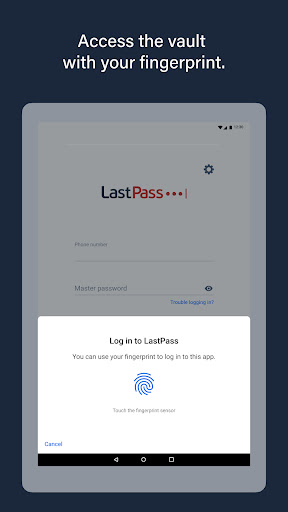
LastPass Password Manager by LastPass US LP is your ultimate solution to managing passwords effortlessly and securely. Designed to simplify your digital life, this app stores all your passwords, notes, and credentials in one encrypted vault accessible only by you. Whether you’re juggling multiple accounts or want to enhance your online security, LastPass ensures seamless login experiences across devices while protecting your sensitive data from breaches. With intuitive features tailored for productivity, LastPass not only saves time but also reduces the risk of password fatigue by generating strong, unique passwords for every site. Experience the convenience of autofill, secure sharing, and real-time security alerts, making LastPass the last password manager you will ever need.

Key features

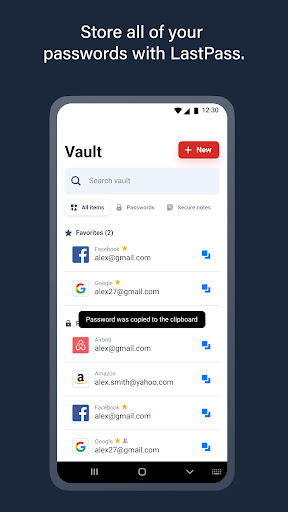
  • Securely store unlimited passwords and personal data in an encrypted vault
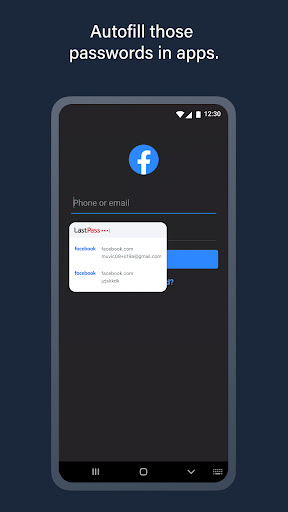
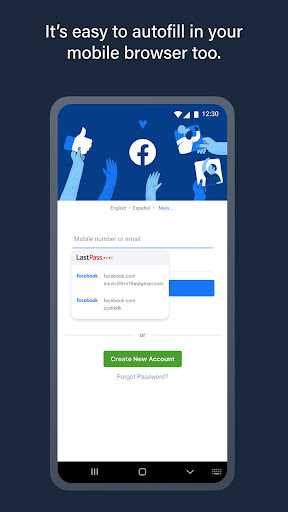
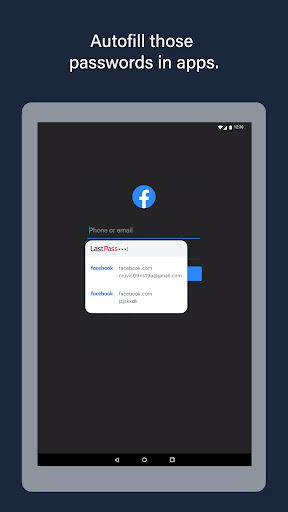
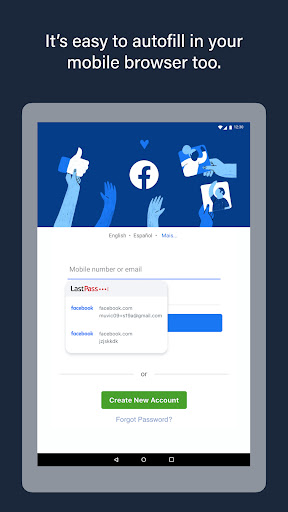
  • Autofill login credentials across apps and websites for quick access
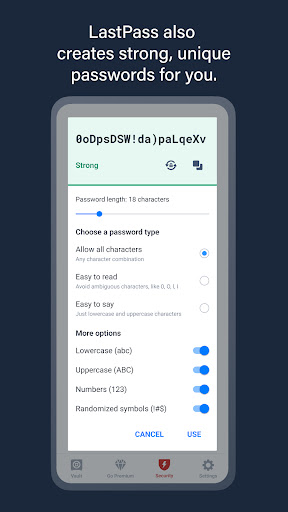
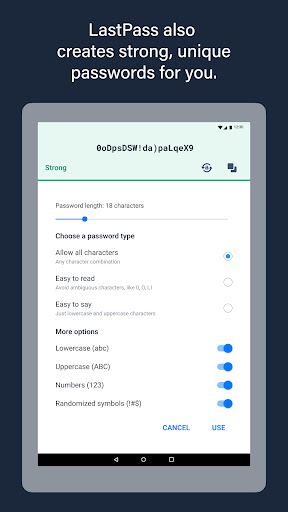
  • Generate strong, unique passwords with the built-in password generator
  • Share passwords and notes securely with trusted contacts
  • Receive security alerts for compromised or weak passwords
  • Access your vault offline with seamless device synchronization

Pros & Cons

Pros

Highly intuitive and easy-to-use interface
Robust encryption ensures top-tier data protection
Cross-platform support for syncing across all devices
Comprehensive password generation and management tools
Secure sharing options for safe collaboration

Cons

Free version has limited sharing and multifactor authentication options
Some advanced features require a premium subscription
Occasional syncing delays reported by some users
Customer support response times can vary

FAQs

Yes, LastPass offers a free version with core password management features, while premium plans provide additional tools like advanced multifactor authentication and priority support.
LastPass uses AES-256 bit encryption and zero-knowledge security architecture, ensuring that only you can access your encrypted data.
Yes, LastPass supports syncing your vault across multiple devices, including Android, iOS, and desktop platforms.
LastPass does not store your master password, so it cannot be recovered. You can reset your account, but stored data will be lost without the master password.