App info
Stay on top of your to-dos with Google Tasks, part of Google Workspace.
Screenshots





About this app
Stay on top of your to-dos with Google Tasks, part of Google Workspace.
Overview
Google Tasks by Google LLC is a streamlined productivity app designed to help you efficiently manage your daily to-dos and stay organized. Seamlessly integrated with Google Workspace, it allows you to create, edit, and track tasks across devices, ensuring nothing slips through the cracks. Whether you’re planning your workday, setting reminders, or breaking down projects into manageable steps, Google Tasks offers a simple yet powerful tool to keep your priorities clear. Its intuitive interface and synchronization with Gmail and Google Calendar make task management effortless and accessible anytime, anywhere. Perfect for both personal use and professional environments, Google Tasks supports your productivity by keeping all your important tasks right at your fingertips.
Key features
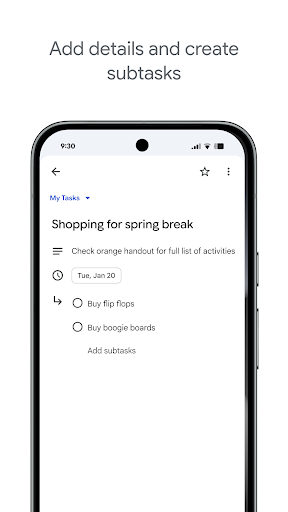
- Create and manage tasks with due dates and subtasks for detailed organization.
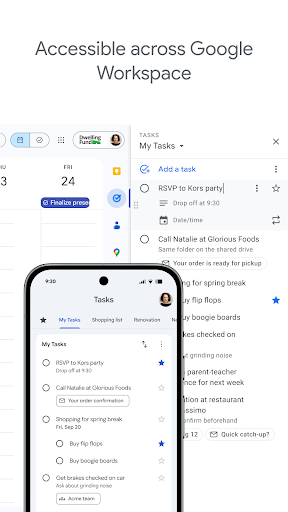
- Seamless sync across devices with Google Workspace integration.
- Add tasks directly from Gmail and Google Calendar for streamlined workflow.
- Simple drag-and-drop interface to reorder tasks and prioritize effectively.
- Set reminders and notifications to never miss a deadline.
- Organize tasks into multiple lists to separate projects and personal goals.