Home Apps Google Authenticator

Google Authenticator

Tools Google LLC 3.9

App info

Developer
Google LLC
Platform
Android
Category
Tools
Rating
★ 3.9
Downloads
100,000,000+
Updated
Feb 24, 2026
Size
Varies with device
Version
Varies with device
Package
com.google.android.apps.authenticator2
Tools

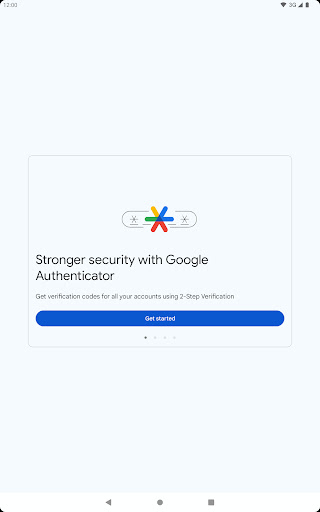
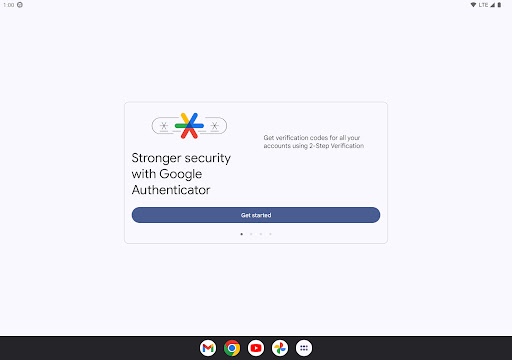
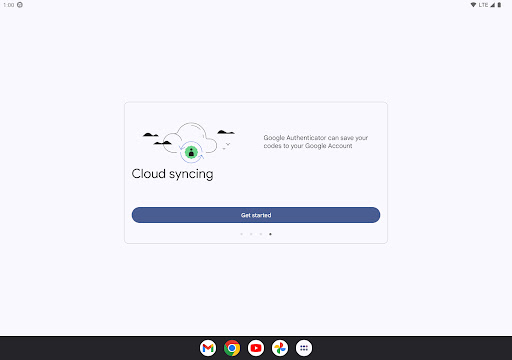
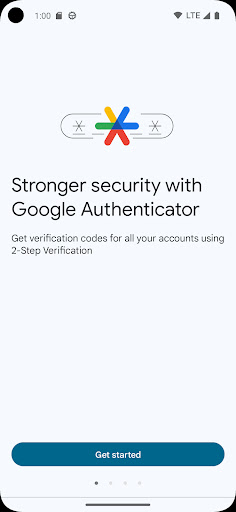
Enable 2-step verification to protect your account from hijacking.

Screenshots
About this app

Enable 2-step verification to protect your account from hijacking.

Overview

Google Authenticator by Google LLC is a powerful security tool designed to safeguard your online accounts through 2-step verification. By generating unique, time-sensitive codes on your Android device, it adds an extra layer of protection beyond just passwords. This app is essential for anyone looking to prevent unauthorized access and account hijacking, especially in an age where digital threats are increasingly sophisticated. Easy to set up and compatible with numerous services, Google Authenticator ensures your data remains secure without compromising convenience. Whether for personal or professional use, this tool enhances your online security effortlessly, making it a must-have addition to your digital toolkit.

Key features

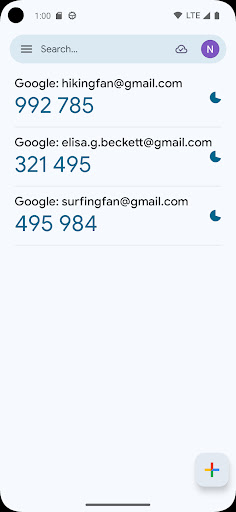
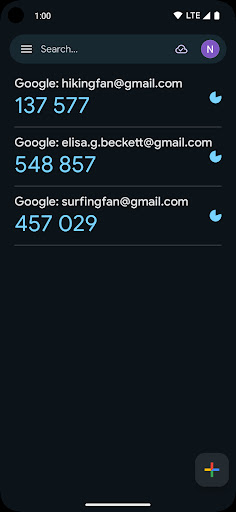
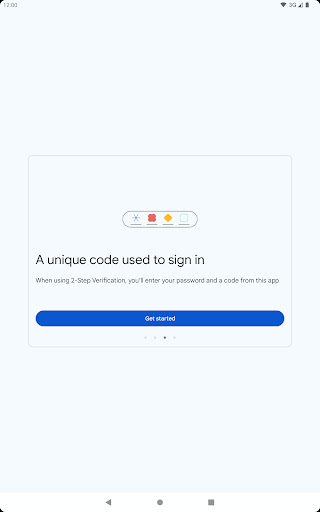
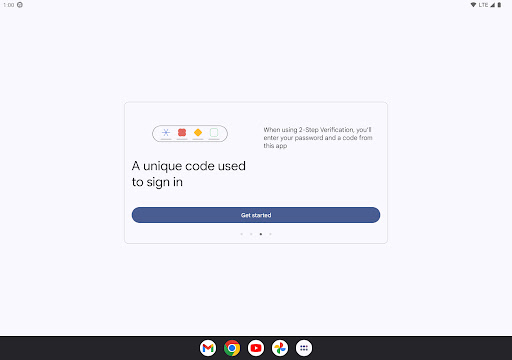
  • Generates time-based one-time passcodes (TOTP) for secure login
  • Supports multiple accounts with customizable labels
  • Works offline without needing an internet connection
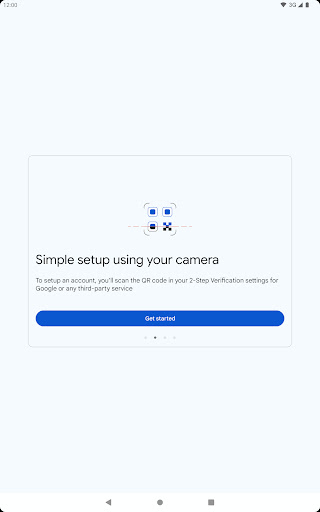
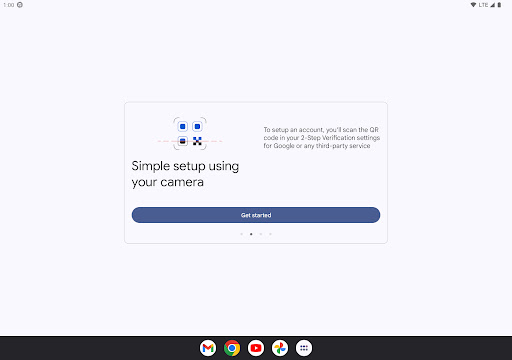
  • Simple QR code scanning setup for quick account addition
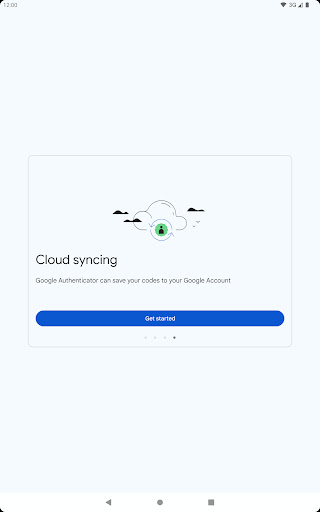
  • Backup and restore options to transfer accounts between devices
  • Lightweight and fast with a clean, user-friendly interface

Pros & Cons

Pros

Robust protection against phishing and account hijacking
No need for cellular or Wi-Fi connectivity to generate codes
Wide compatibility with numerous websites and services
Completely free to use without ads or in-app purchases
Minimal battery and storage resource consumption

Cons

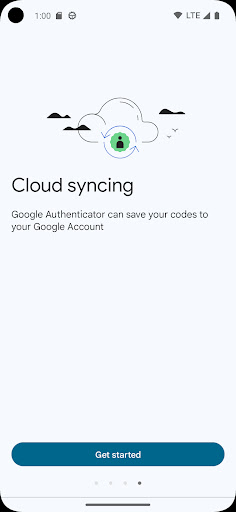
No built-in cloud backup; manual transfer required for device changes
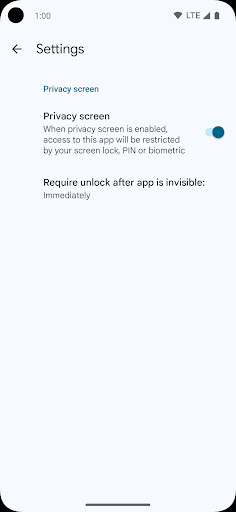
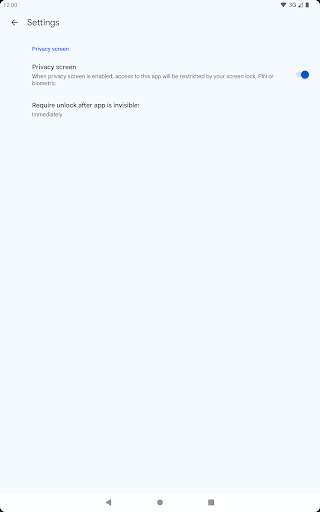
Lacks biometric or PIN protection within the app interface
Limited customization options beyond account labeling
May be confusing for users unfamiliar with two-factor authentication

FAQs

Open the app, tap '+' to add an account, and scan the QR code provided by your service’s 2-step verification settings. The app will then generate codes for login.
Yes, the app generates verification codes offline, so you don’t need internet or cellular service to access your codes.
You should have backup codes from your accounts or use the account recovery options provided by each service. Unfortunately, Google Authenticator itself doesn’t offer cloud backup.
It works with any service that supports the Time-based One-Time Password (TOTP) protocol, which includes most major platforms offering two-step verification.