Home Apps Gmail

Gmail

Tools Google LLC 4.1

App info

Developer
Google LLC
Platform
Android
Category
Tools
Rating
★ 4.1
Downloads
10,000,000,000+
Updated
Mar 02, 2026
Size
Varies with device
Version
Varies with device
Package
com.google.android.gm
Tools

Connect, create and collaborate with Gmail, part of Google Workspace.

Screenshots

About this app

Connect, create and collaborate with Gmail, part of Google Workspace.

Overview

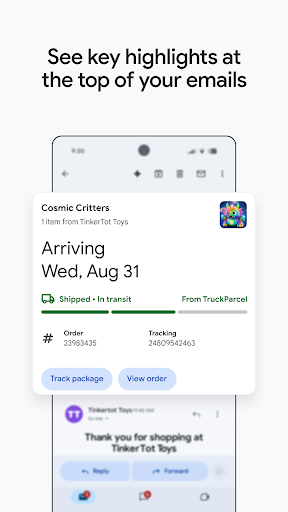
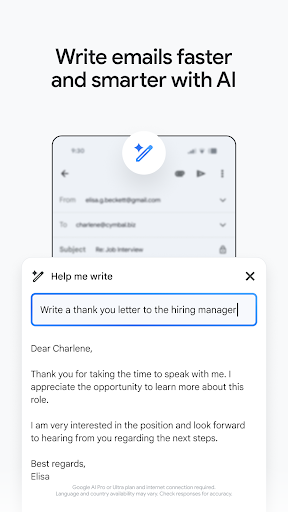
Gmail by Google LLC is a powerful communication app designed to keep you connected, organized, and productive. As a core component of Google Workspace, Gmail offers a seamless experience for managing emails, scheduling events, and collaborating with colleagues or friends. Whether you need to quickly send messages, sort important emails, or integrate with other Google services, Gmail delivers a user-friendly interface combined with robust security features. Stay in control of your inbox with smart filters, intuitive search, and real-time notifications. Perfect for both personal and professional use, Gmail helps you streamline communication and boost efficiency on your Android device.

Key features

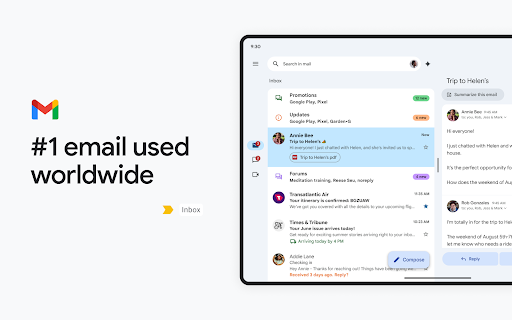
  • Intelligent inbox organization with priority and category tabs
  • Seamless integration with Google Workspace apps like Calendar and Drive
  • Powerful spam filtering and advanced security protections
  • Customizable notifications for important emails
  • Easy search functionality to quickly find messages
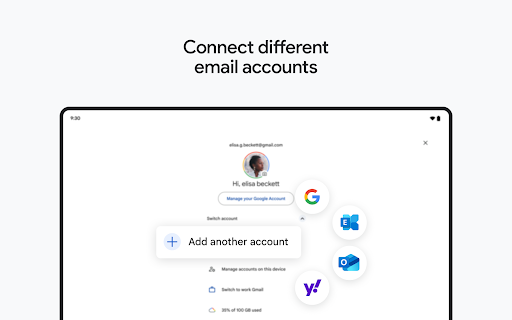
  • Support for multiple accounts and email providers

Pros & Cons

Pros

User-friendly interface with clean design
Reliable synchronization across all devices
Robust security features including two-factor authentication
Strong integration with other Google services
Free to use with generous storage limits

Cons

Ads displayed in the free version
Limited offline functionality for composing emails
Occasional lag when handling very large inboxes
Some features require a Google Workspace subscription

FAQs

Yes, Gmail allows you to read and compose emails offline, but you need to enable offline mode and sync your emails beforehand. However, some features may be limited without an internet connection.
Gmail uses advanced security measures including encryption and two-factor authentication to protect your data. For highly sensitive information, Google also offers confidential mode to add extra layers of privacy.
Yes, Gmail supports adding and managing multiple email accounts, including non-Gmail addresses, all within a single app for easy access.
Absolutely. Gmail seamlessly integrates with Google Calendar, Drive, Meet, and other Workspace apps to enhance productivity and collaboration.