
App info
Developer
Discord Inc.
Platform
Android
Category
Tools
Rating
★ 4.3
Downloads
500,000,000+
Updated
Mar 02, 2026
Size
Varies with device
Version
317.15 - Stable
Package
com.discord
Tools
Group Chat That’s Fun & Games
Screenshots



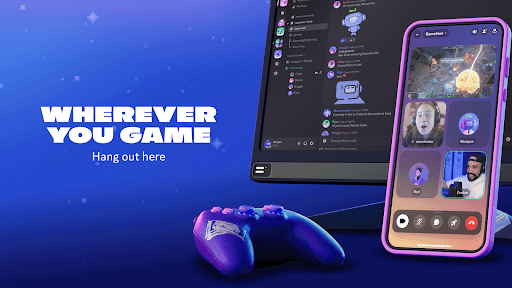
About this app
Group Chat That’s Fun & Games
Overview
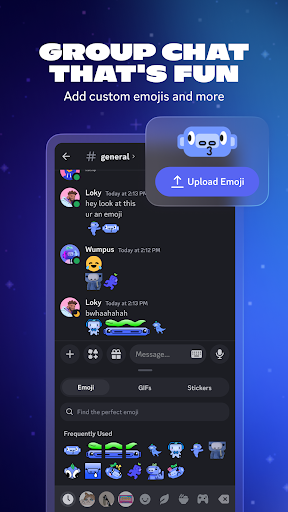
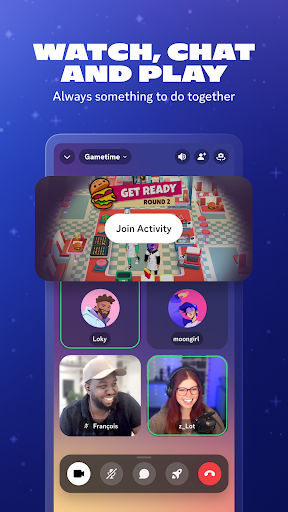
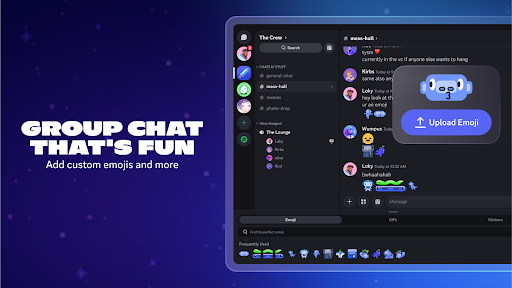
Discord is a dynamic communication app designed to bring people together through text, voice, and video chat. Whether you're gaming with friends, collaborating on projects, or simply hanging out, Discord offers a seamless and engaging platform to connect. With customizable servers, real-time messaging, and robust moderation tools, it caters to diverse communities and interests. Its intuitive interface and cross-platform support make it easy to stay connected on the go or from your desktop. Experience a versatile space where conversations flow freely, gaming sessions thrive, and social interactions are more vibrant than ever.
Key features
- Create and customize servers with unique channels for various topics
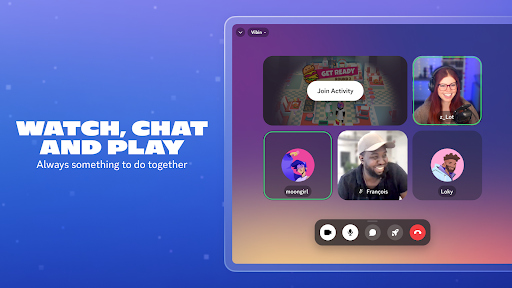
- High-quality voice and video calls with minimal latency
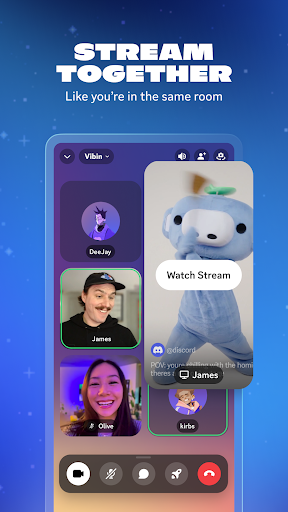
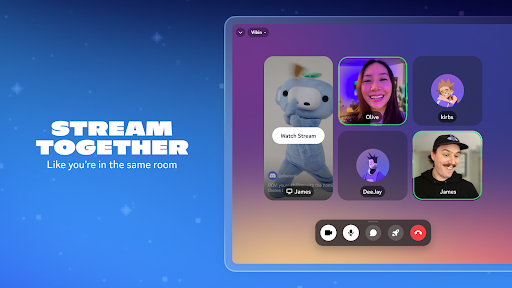
- Screen sharing and live streaming capabilities
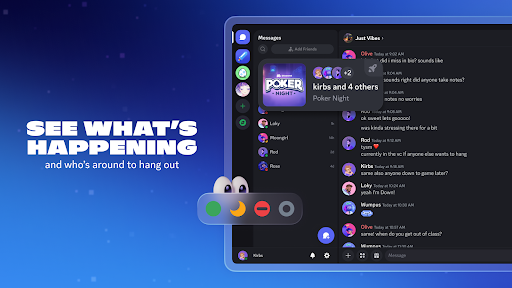
- Integrated game detection and status sharing
- Robust moderation tools including roles and permissions
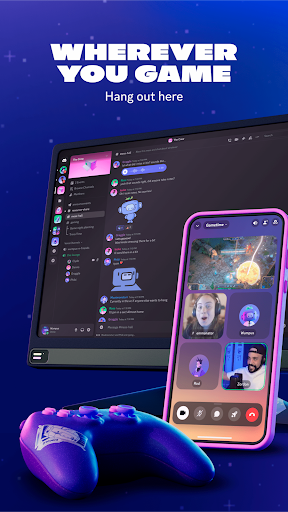
- Cross-platform support for Android, iOS, Windows, and Mac
Pros & Cons
Pros
User-friendly interface suitable for all ages
Supports large communities with scalable server options
Free to use with optional premium Nitro features
Reliable performance even with high user activity
Extensive customization and integration options
Cons
Can be overwhelming for new users due to many features
Some advanced features require Nitro subscription
Occasional server downtime or connectivity issues
Privacy concerns if not properly managed by server admins
FAQs
Yes, Discord is free to download and use with optional paid Nitro features for enhanced capabilities.
Absolutely, Discord supports simultaneous use on Android, iOS, Windows, Mac, and web browsers.
You can create a server by tapping the plus icon in the app and following the setup prompts to customize your community.
Discord has moderation tools and privacy settings, but parental supervision is recommended for younger users.